Choose how long your phone stays shut. For an hour at the gym, or all night.
Coming soon to theApp Store
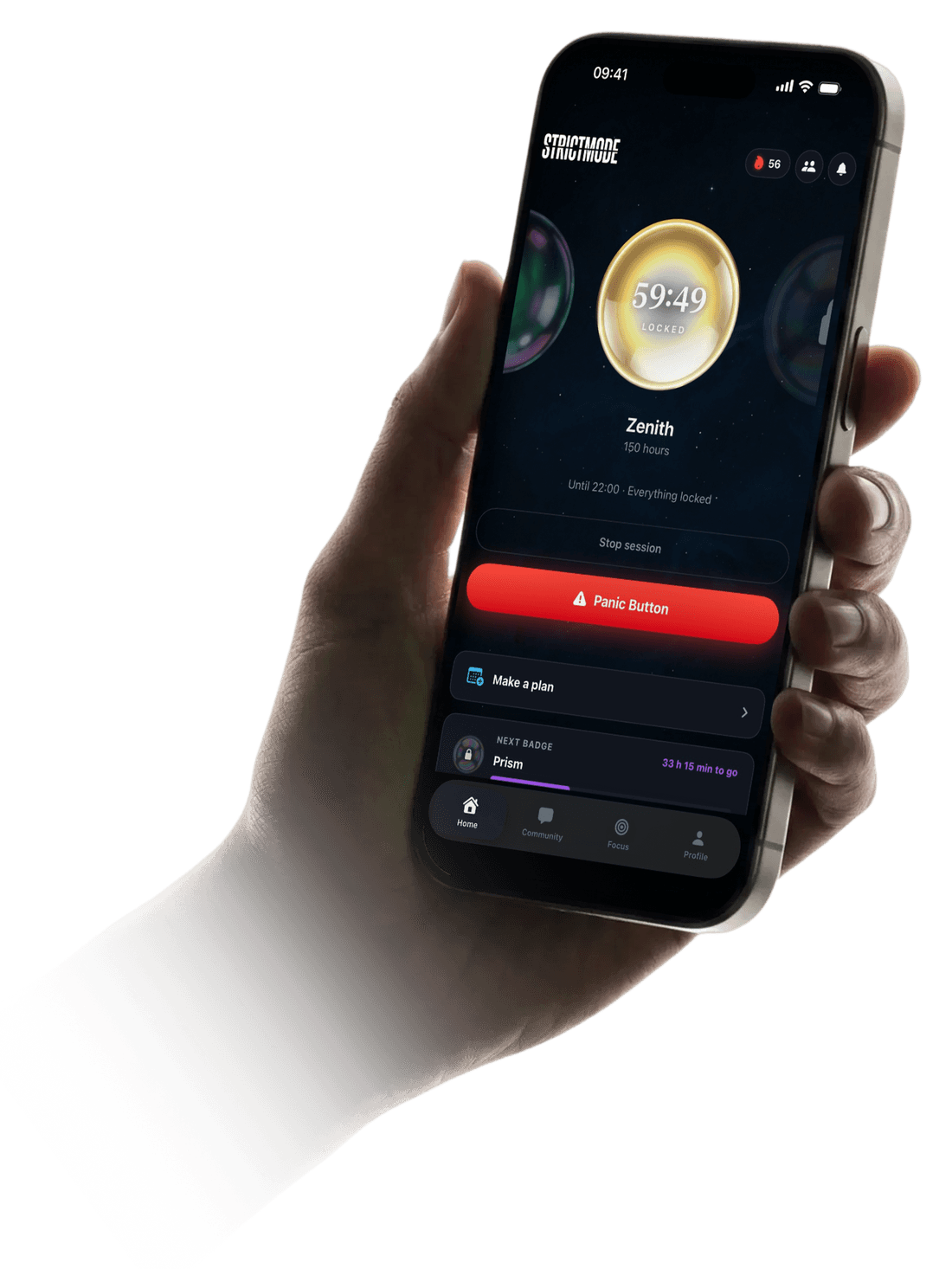
Choose how long your phone stays shut. For an hour at the gym, or all night.
The apps built to keep you scrolling.
Strictmode locks them until your time is up.
How it works
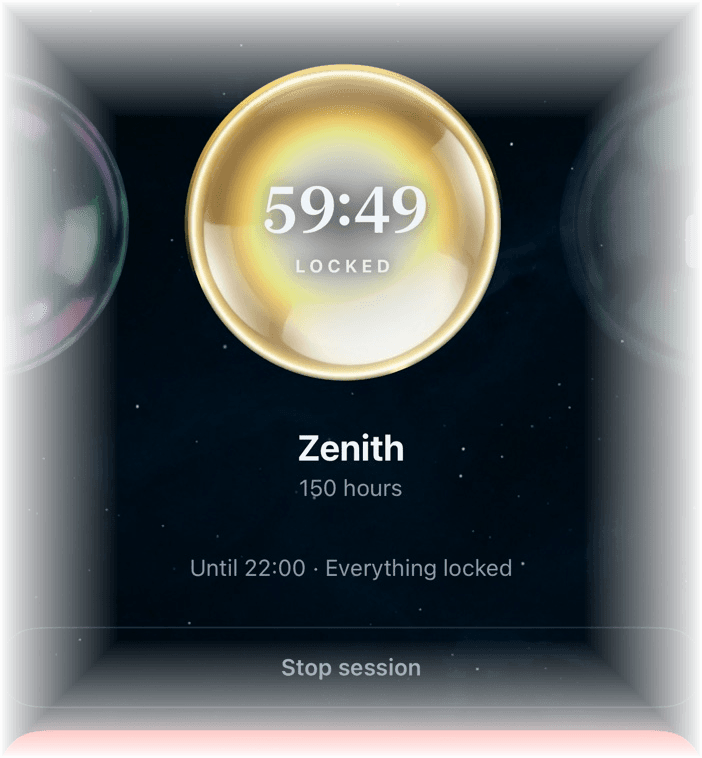
Pick how long and start. Close Strictmode, restart your phone: the lock holds, and it lifts by itself when your time is up. If you're really struggling there's a panic button instead of a way out.
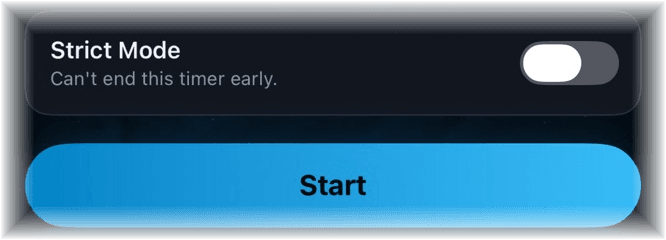
A normal lock can be stopped. With Strict Mode on it can't, not even by deleting the app. You choose it up front, at the moment you're still thinking clearly.
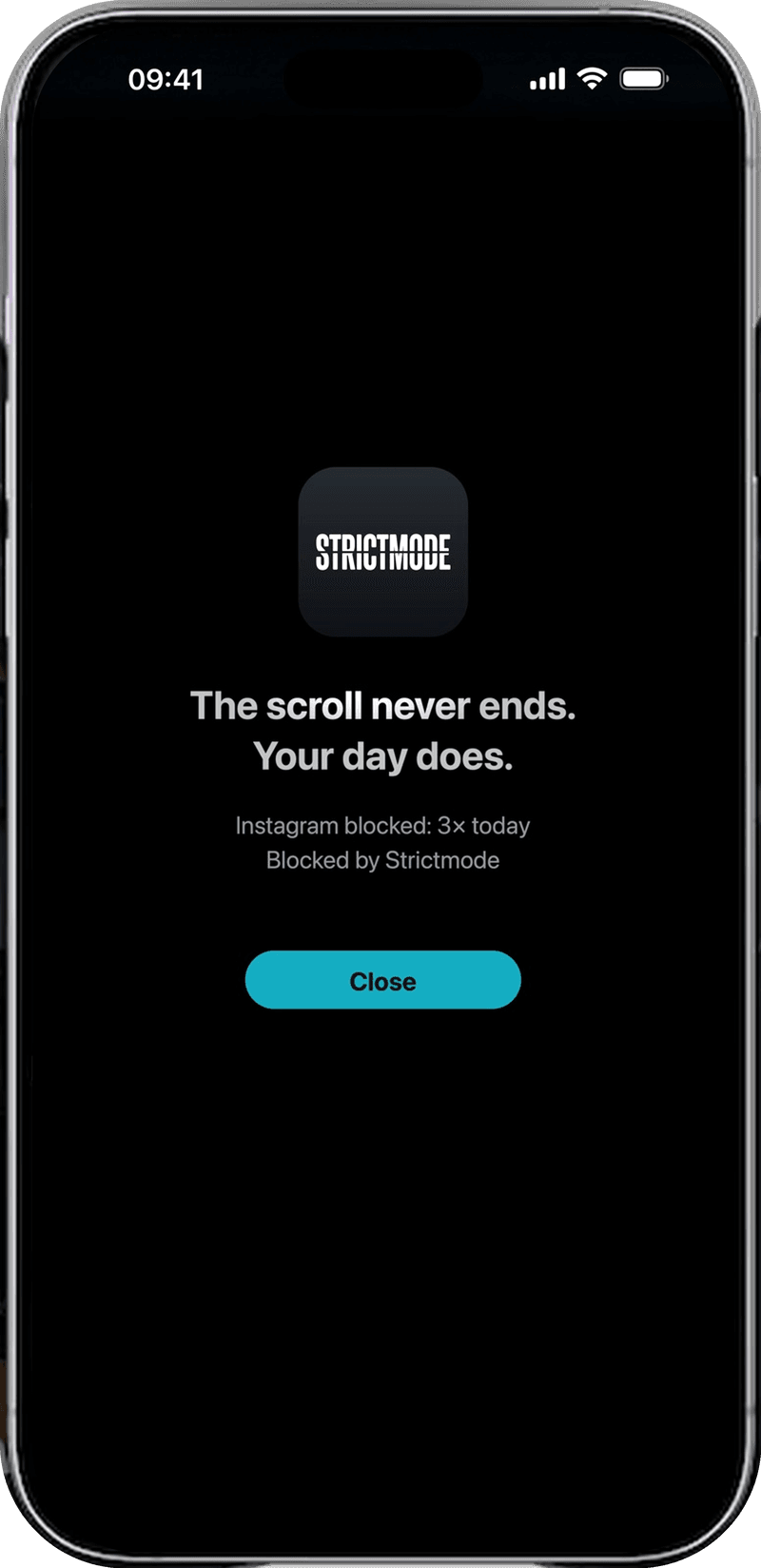
The block screen
This is what you get when you open Instagram during a lock. Not a popup you can swipe away, but the iOS screen itself, with the number of times you already tried that app today.
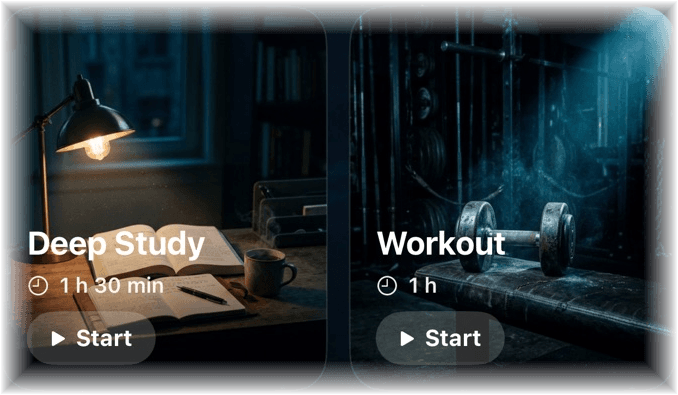
Deep Study, Workout, Touch Grass, Quiet Day: one tap and it runs. And on your allowed list you put the apps that have to keep working, like your music or your maps.
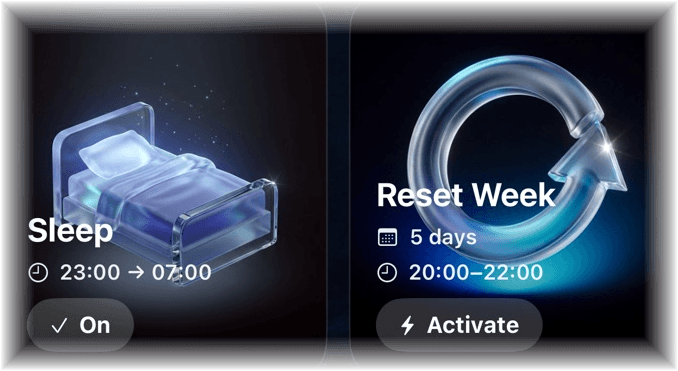
Set a bedtime and a wake time and your phone shuts without you opening the app. Add limits per app and per week so the daytime doesn't get away from you either.
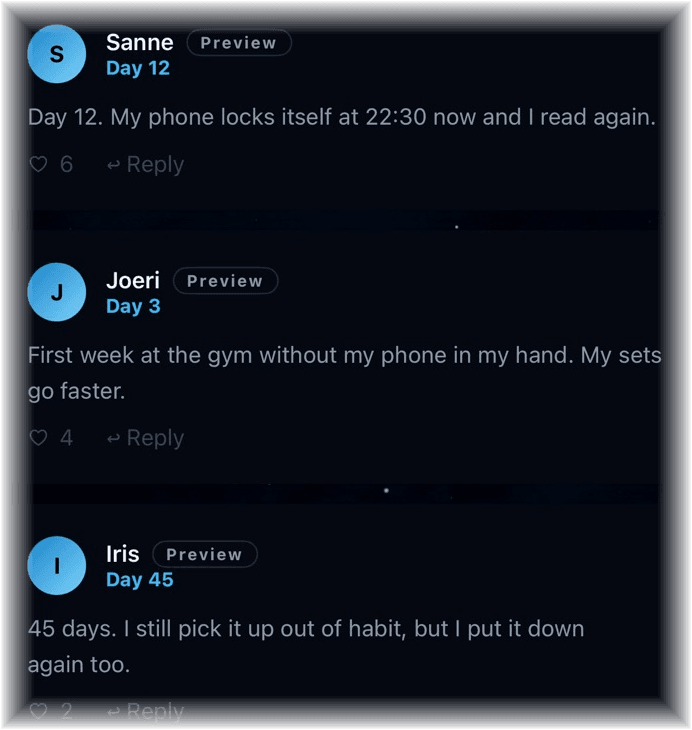
Share how many days you've strung together and read how others keep it up. Reporting and blocking are built in, and posts with slurs or links don't get through.
Put your phone away and feel the difference.
Coming soonAchievements
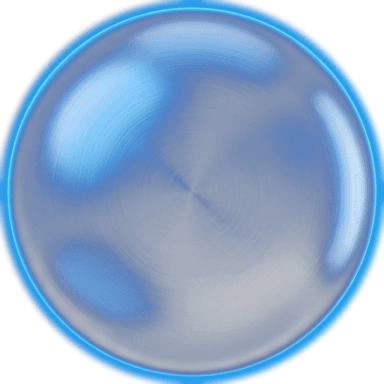
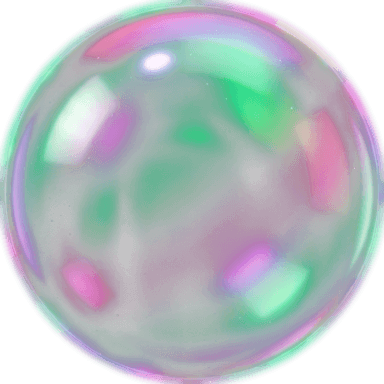
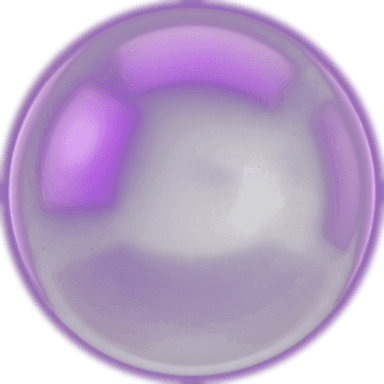
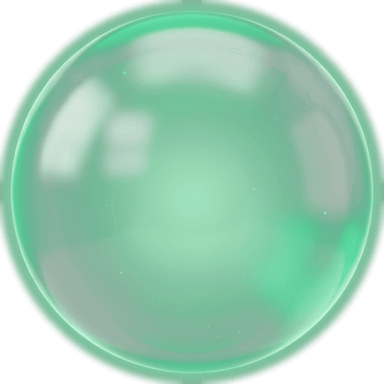
Every hour you put your phone away counts. From your first lock all the way to a thousand hours.

Ignite
Start

Rise
2 h

Beacon
5 h

Surge
10 h
Ascent
20 h

Tide
35 h

Forge
50 h
Vanguard
75 h
Aurora
100 h

Zenith
150 h

Prism
200 h
Regent
300 h

Crucible
500 h
Aether
1000 h
Ignite
Start
Rise
2 h
Beacon
5 h
Surge
10 h
Ascent
20 h
Tide
35 h
Forge
50 h
Vanguard
75 h
Aurora
100 h
Zenith
150 h
Prism
200 h
Regent
300 h
Crucible
500 h
Aether
1000 h
Strictmode locks your phone for a time you choose. Decide once, and your phone stays shut until the time is up.
Yes. You can close Strictmode and even restart your phone; the lock stays until your time is up.
You get the iOS block screen itself, not a popup you can swipe away. It tells you how many times you already tried that app today.
A normal lock can be stopped after a short wait. A lock with Strict Mode on cannot: it runs to the end, and deleting the app won't get you out of it either. You choose it up front, per lock.
A red button during a running lock, for the moment the urge shows up. It doesn't open a way out but a screen with your own camera as a mirror, and what scrolling is doing to you right now. You close it and your lock simply keeps running.
Yes. Your allowed list holds the apps that keep working during a lock. Calls and emergency numbers always get through, Strict Mode or not; iOS enforces that.
No, and it can't. Apple hands us opaque tokens that only mean something on your own phone; we never get to see app names. What you share with friends is two numbers: how many apps are on a limit and how long that limit is.
If you set a sleep plan, yes. Your phone shuts at your bedtime and opens again at your wake time, without you opening the app.
Fourteen achievements you earn with the hours you actually put away, from your first lock to a thousand hours. They come from your own sessions; there's nothing to buy or speed up.
An iPhone on iOS 17 or newer. Strictmode runs on Apple's Screen Time, which asks for your permission once while you set it up.
No. The lock runs on Apple's Screen Time API, which only exists on the iPhone. An Android version couldn't deliver the lock, so there deliberately isn't one.
You try it free for 3 days. After that €4,99 per month or €29,99 per year. You cancel in your App Store settings.
Decide once. Your phone does the rest.
Coming soon